50 notes free · Chrome + Edge · No credit card to start
Dated notes you can edit or delete, synced to your private web notebook. If saving fails, your draft stays.
Example notes and people. Free starts with 50 notes; invitations add capacity.
Start in a minute.
1
Add X-notes
Install it free from the Chrome Web Store. It works in Edge too.
2
Connect your X account
Sign in through X so your notes sync to your private notebook.
3
Write your first note
Open any public post or profile and click the X-notes button or the quill.
PEOPLE
Remember people.
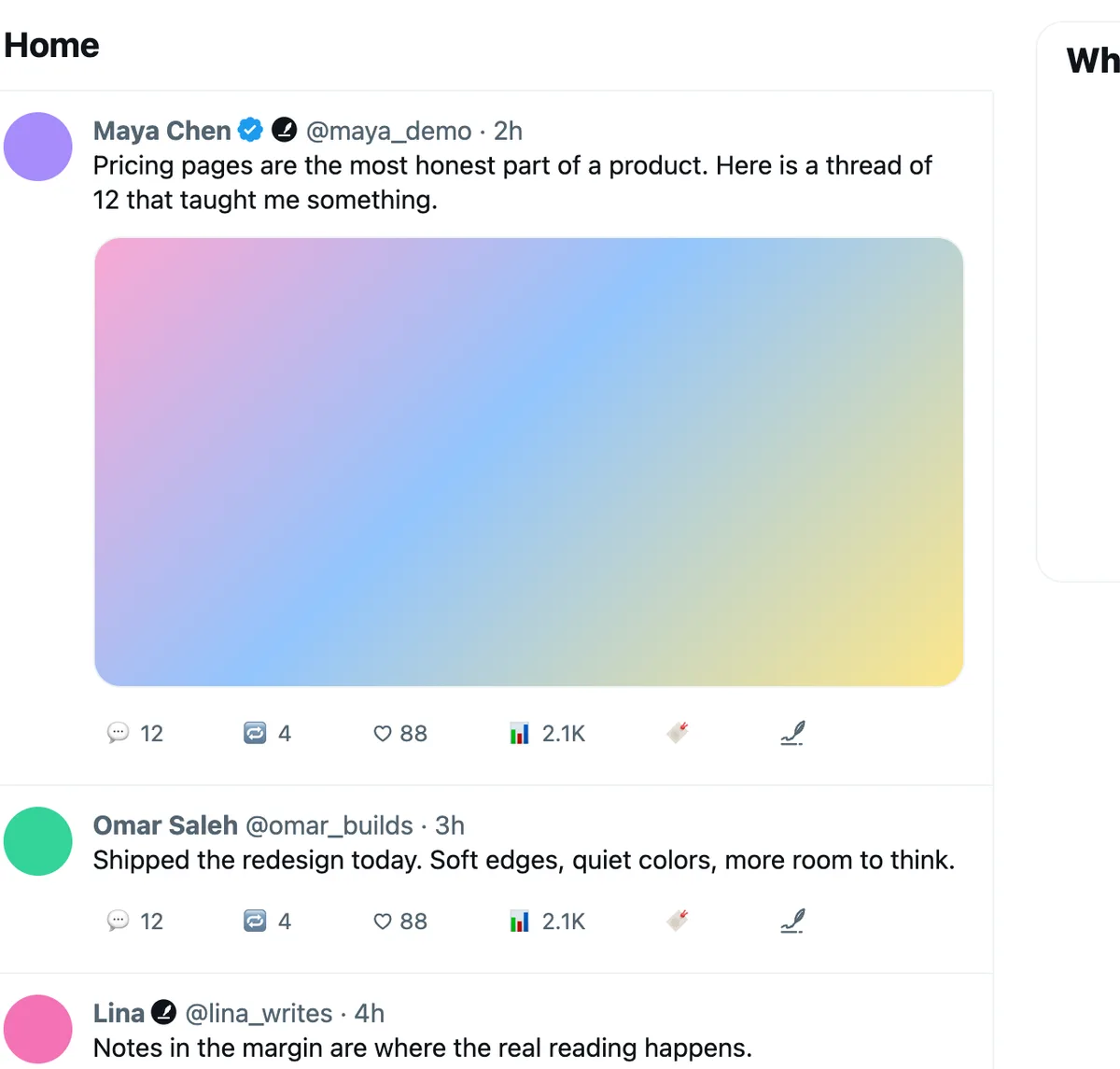
A quiet X-notes mark appears beside the names of people you have noted, like a personal verified check. Open their profile to see your notes about them and about their posts.
Contacts gathers everyone you have noted
Click the mark to open that person's notes
CONTEXT
Keep the context behind your note.
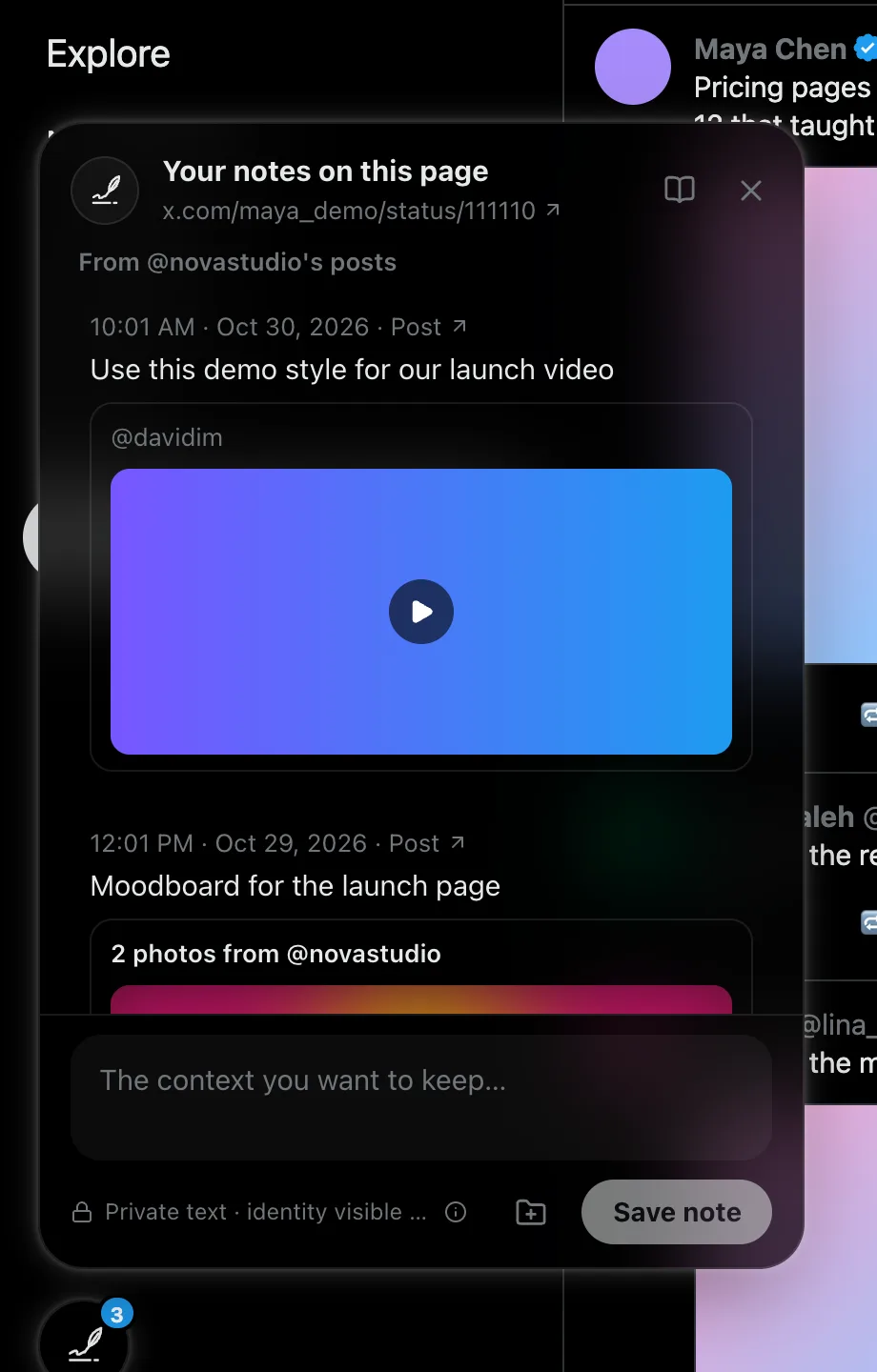
Each note keeps what it was about: the post's words, photo and video previews, the quoted post, links and polls. Sensitive media stays blurred until you choose to show it.
Media-only posts can be noted too
If a post disappears, your note stays
SEARCH
Find anything, even with typos.
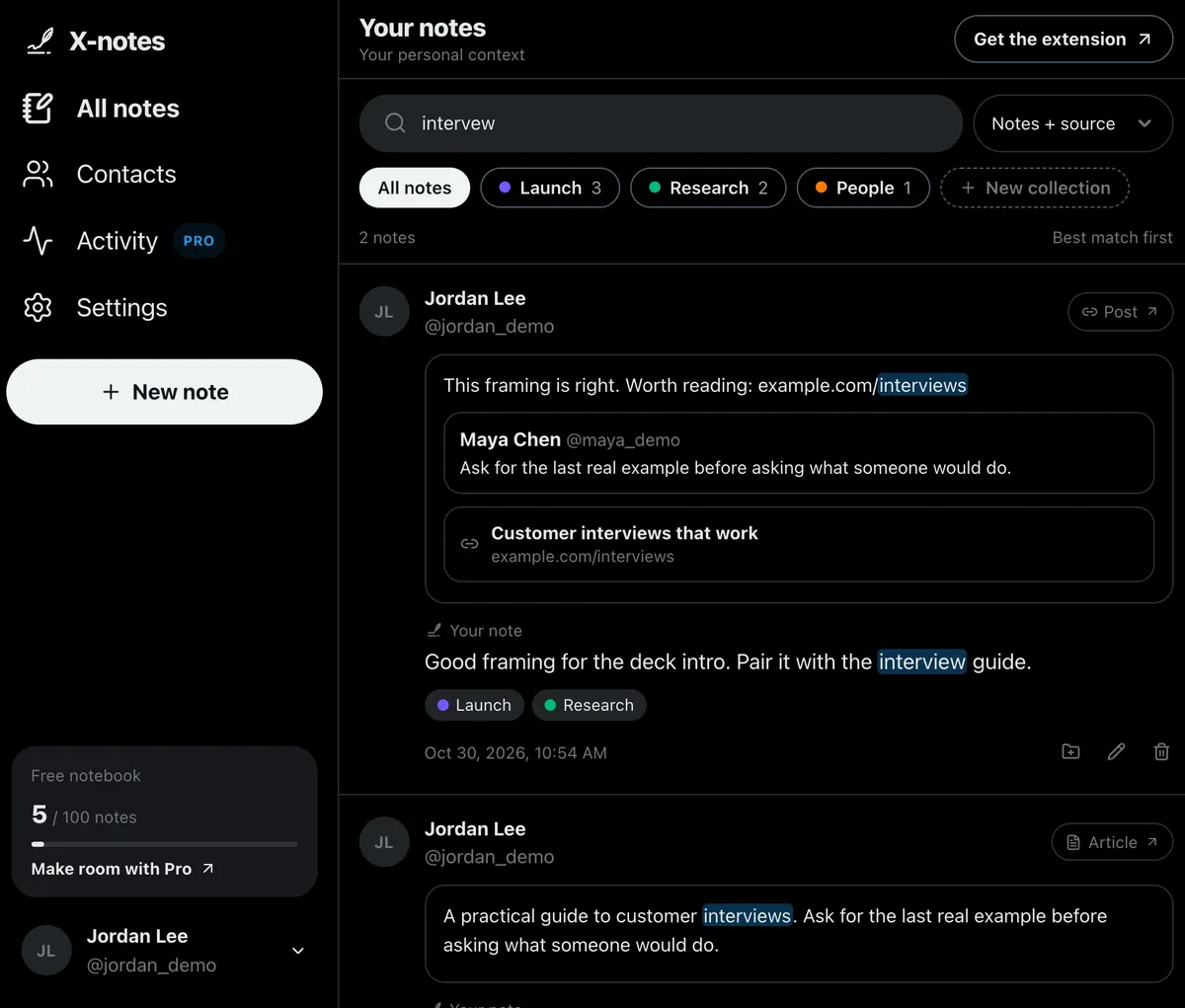
Search your notes and the posts behind them. Partial words, typos, word forms, names and @handles all work, and matches are highlighted.
"exact phrase", from:handle and -word
Best matches first
COLLECTIONS
Organize with collections.
Keep launch ideas, research and people to follow up in their own collections. One note can belong to several. Manage names and colors together in your web notebook.
16 colors in the web notebook
5 collections free · unlimited on Pro
Find, rename and organize collections in one place
GO FURTHER WITH PRO
Turn saved context into useful work.
PRO
Bring X research into your projects.
Keep the ideas you found on X beside the rest of your work. Take your notes into a project folder or Markdown notes app.
Selected notes, collections or all search results
Optional saved-date ranges
Markdown or ZIP files with collection folders, links and dates
Basic whole-notebook JSON and Markdown exports stay free. Project exports are downloadable snapshots of your own notes.
Bring followers and following into Contacts with your X archive. Keep track of your connections, including people you haven't written a note on yet.
All contacts or only people with notes
Followers, following, mutuals and unfollowed filters
Unfollow status and dated relationship history
Opt into future follow/unfollow tracking: up to 100 events per UTC month, subject to shared limits and X availability. Earlier dates may be unknown; archive changes are marked as detected.
See grouped note-takers and their latest note date on your own X profile and posts. This activity comes from X-notes users; their note text stays private.
Verified content owners only
Clickable note-taker profiles
Anonymous counts for hidden Pro users
Active Pro note-takers can hide their identity on past and future notes. Hiding ends automatically when paid access expires.
Each new X-verified signup through your invite link earns 5 permanent extra Free note slots. Earn up to 20 rewards and grow from 50 to 150 notes. Your earned Free allowance stays available after Pro ends.
Deleting notes frees space. Existing notes remain accessible after downgrade. Relationship tracking includes up to 100 events per UTC month, subject to shared limits and X availability.
Your note contents are yours. Premium content owners can see who took notes on their profiles and posts, never what was written. Active Pro note-takers may hide their identity; it becomes visible again when paid access ends. X-notes never posts on your behalf.
Yes. Free includes 50 active notes, 5 collections, note and source search, note-based contacts, and whole-notebook JSON and Markdown exports. Pro is $5/month or $29/year for up to 1,000 notes, unlimited collections, project exports, relationship tools, owner activity and identity hiding while paid. Invitations can raise your Free allowance to 150 notes.
Can I keep my notes beside my other project notes?
Yes. Export your whole notebook as JSON or Markdown for free. With Pro, choose selected notes, a collection or all search results, add a saved-date range, then download a Markdown document or a ZIP of individual notes with collection folders. Exports include your words, original links and saved/edited dates. Copied X text and media are excluded. These are downloadable snapshots.
Can I see who follows or unfollows me?
Pro Contacts can combine your notes with followers and following from your own X archive. Filter all contacts, people with notes, followers, following, mutuals or unfollowed connections. Optional tracking records future follow/unfollow events, including people without notes, with up to 100 events per UTC month subject to shared limits and X availability. Older follow dates may be unknown; archive comparisons show detected changes and tracking gaps can occur.
How do invitation rewards work?
Share your short invite link from your notebook. Each new X-verified registration through an accepted invitation earns 5 permanent extra Free note slots, for your first 20 rewarded invitations. That grows Free from 50 to a maximum of 150 notes. Existing users and self-invites do not qualify. Pro stays at 1,000 notes; earned Free capacity remains after downgrade.
What happens if I cancel Pro?
Pro continues through your paid-through date. Afterwards, existing notes remain readable, searchable, editable, deletable and exportable using the free basic exports. New saves pause when you are at or above your earned Free allowance. Existing collections remain usable; creating more pauses at five. Pro identity hiding ends automatically, and advanced relationship views and project exports require active Pro.
Can I use my notebook on my phone?
Yes. Your synced web notebook works on mobile as well as desktop. The extension that adds notes directly to X is for desktop Chrome and Microsoft Edge.
Which X pages can I take notes on?
Public profiles and their tabs, posts, articles, hashtags, lists, searches, communities and other supported public pages. Feed and search notes keep the page identity; a note on a selected post keeps that post's context. Direct messages, account settings, sign-in, recovery and payment pages are excluded.
Is my note text private?
Yes. Only you can read your notes. They sync between the extension and your private web notebook at x-notes.app.
Can people see that I took notes about them?
Eligible Pro owners can see who took notes on their profile or posts and when, never what was written. Pro note-takers can hide their identity while their plan is active; hiding ends automatically when it expires.
Does X-notes post anything or read my messages?
No. It never posts, likes or follows, and it does not run on direct messages, settings or sign-in pages. It only works on public X pages and x-notes.app.
Does it work in Microsoft Edge?
Yes. Open the Chrome Web Store page in Edge, choose Allow extensions from other stores, then Add to Chrome.
What happens if a post is deleted?
Your note stays in your notebook. The copy of the post's words, media and links is removed, and the note is marked as having an unavailable source.
Does it support Arabic?
Yes. Notes in Arabic and other right-to-left languages display correctly, and search treats Arabic letter variants as the same word.